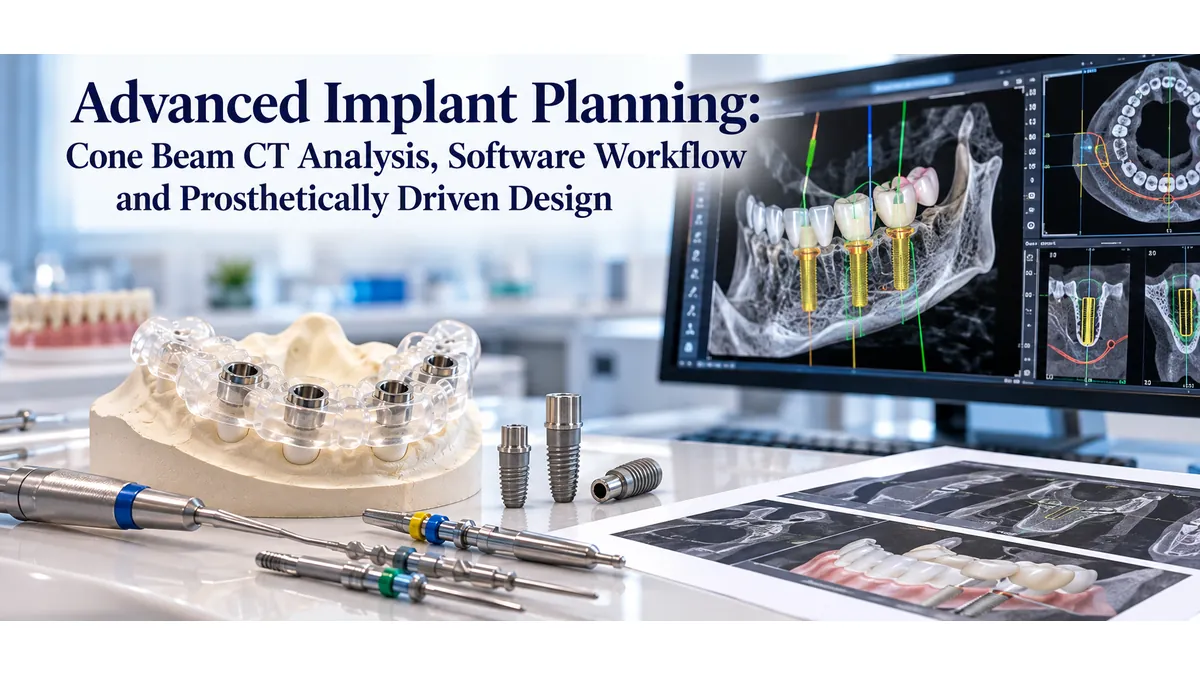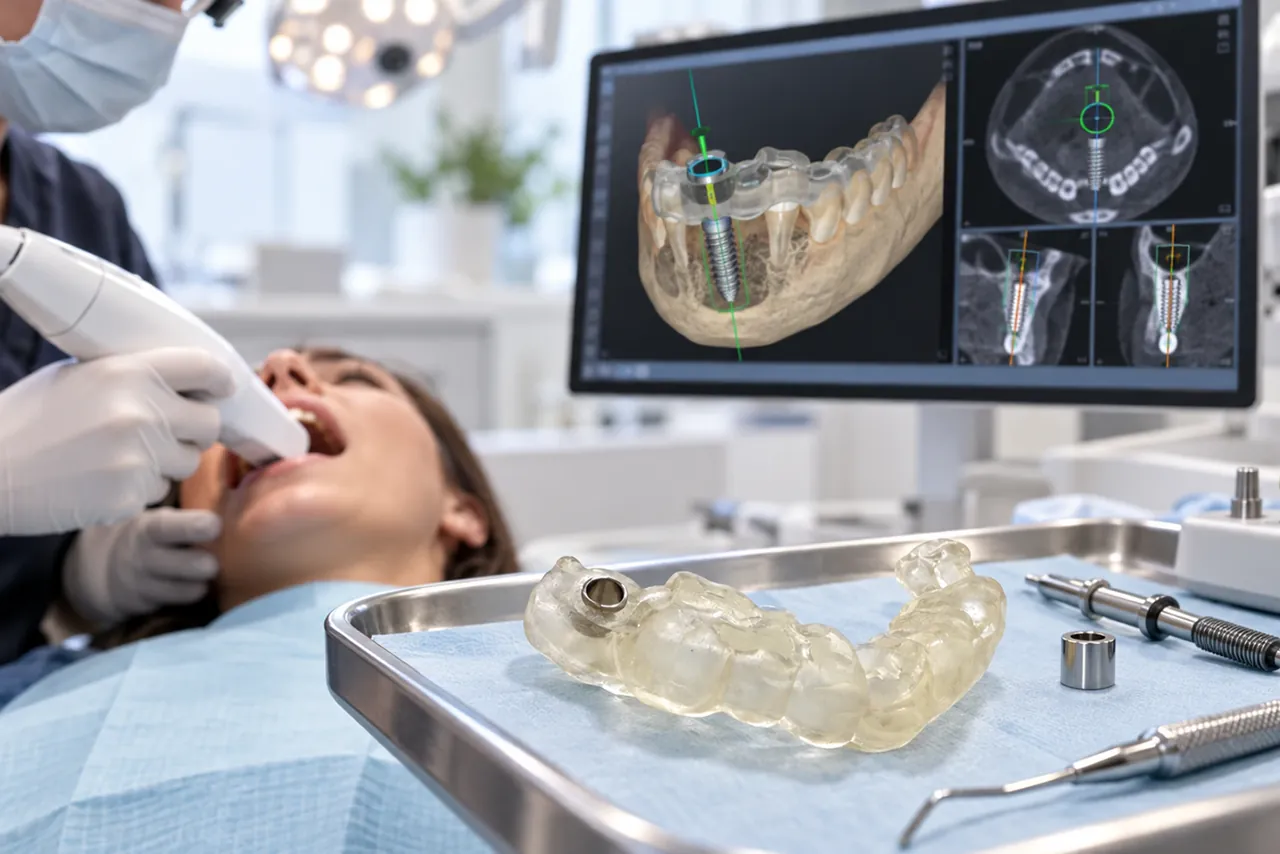
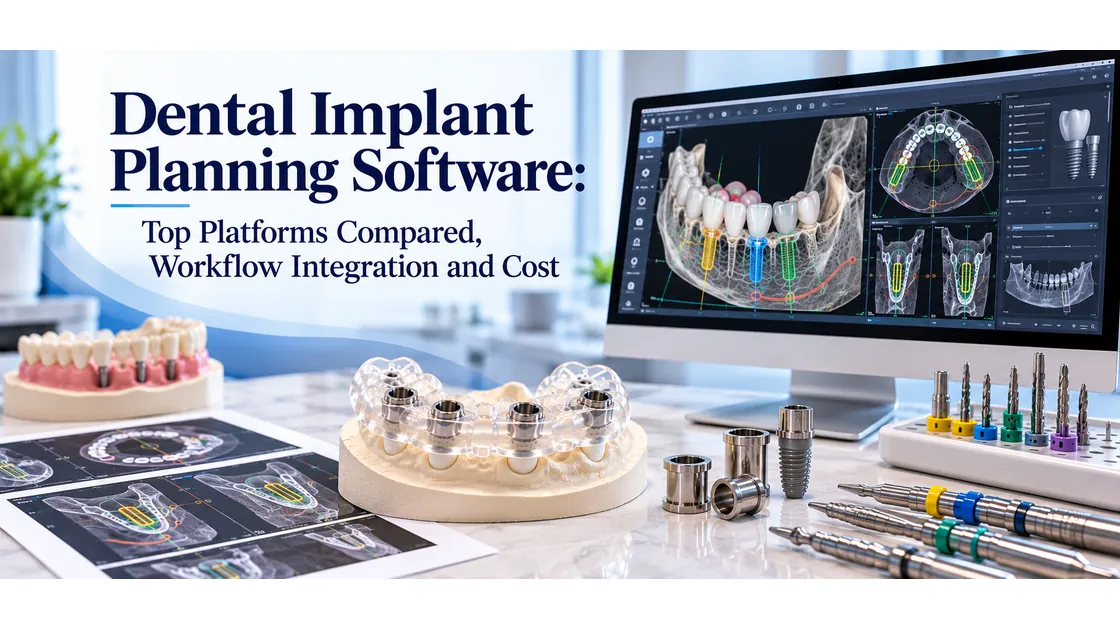
The planning software is where a guided surgery case either succeeds or accumulates errors before the patient arrives. It merges cone beam computed tomography data with intraoral scan geometry, places virtual implants, sets sleeve positions, and exports the design file that becomes the physical dental implant surgical guide. Choosing the right platform affects how efficiently cases move from scan to surgery, which labs your practice can work with, and what the workflow costs per case. This article compares the major dental implant planning software platforms across the dimensions that matter most in daily clinical use.
The comparison covers core workflow capabilities, integration with scanning hardware and fabrication labs, cost structures, open versus closed ecosystem models, and the practical question of how software choice affects the accuracy of the finished surgical guide.
What Dental Implant Planning Software Does in Guided Surgery
Implant planning software has one job: translate radiographic and surface scan data into a design file that tells a fabrication lab where to place the sleeves, what angle each implant sits at, and what geometry the guide body must take to seat correctly on the patient. Every other feature, the automated tooth detection, the smile design preview, the prosthetic component library, is secondary to that core function.
The software imports DICOM data from the cone beam computed tomography unit and STL data from the intraoral scanner, aligns the two datasets at shared reference points, and presents a merged three-dimensional model. The clinician places virtual implants, the software checks for bone margin clearance, and the finished virtual plan is exported as an STL file for surgical guide design and fabrication.
The quality of that export file determines the accuracy ceiling of the finished guide. A planning file with an imprecise DICOM-to-STL merge, incorrect sleeve offset values, or insufficient data about the drill protocol introduces errors the fabrication lab cannot correct. The software and the lab must speak the same technical language.
Major Dental Implant Planning Software Platforms Compared
coDiagnostiX (Dental Wings / Straumann Group)
coDiagnostiX is one of the most widely used clinical planning platforms in the guided surgery market. It supports a broad range of implant systems, has an extensive prosthetic component library, and exports STL guide designs compatible with most fabrication labs. Its DICOM import handles most major cone beam computed tomography unit file formats, and its merge workflow is stable across intraoral scanner outputs.
The platform runs as licensed desktop software with an annual maintenance fee. Per-case costs apply for certain implant system libraries. coDiagnostiX integrates directly with Straumann hardware and is part of the Straumann digital workflow, but it is not locked to Straumann implants. Practices outside the Straumann ecosystem use it routinely. The implant surgical guide lab receives design files from coDiagnostiX regularly and reviews them within the same technical parameters as any other platform export.
Simplant (Dentsply Sirona)
Simplant is a long-established platform with a large installed base and a strong prosthetic library tied to the Dentsply Sirona implant portfolio. It offers both desktop and cloud-based planning modes. The Simplant On1 guide fabrication service is integrated into the subscription, which means practices using the full Simplant ecosystem can order guides directly through the software without a separate lab submission workflow.
The trade-off is ecosystem lock-in. Practices using non-Dentsply Sirona implants may encounter gaps in the component library, and the integrated lab pathway makes it less straightforward to work with an independent fabrication lab. For practices that want to use a lab of their choice for guide quality or turnaround reasons, the Simplant workflow adds a step. Working with experienced dental surgical guide design specialists gives practices more flexibility in matching lab capabilities to case complexity.
DTX Studio (Nobel Biocare)
DTX Studio Implant is Nobel Biocare's planning platform, designed around the Nobel Biocare implant library and the Nobel Biocare guided surgery system. It is tightly integrated with the Nobel Biocare digital workflow, including the Guided Surgery Protocol and the guided surgery kit hardware. The platform handles full-arch cases well and includes prosthetic planning tools that connect the implant plan to the restorative outcome.
Like Simplant, DTX Studio's strongest integrations are within its own ecosystem. The platform exports design files for guide fabrication, but the Nobel Biocare guided surgery system uses proprietary sleeve specifications that require a fabrication lab familiar with that system. Practices using Nobel Biocare implants and committed to the full Nobel Biocare workflow find DTX Studio a coherent environment. Practices using mixed implant inventories find it less flexible.
ImplantStudio (3Shape)
3Shape ImplantStudio integrates planning directly with 3Shape's intraoral scanning ecosystem, which is a significant workflow advantage for practices already using a 3Shape scanner. The scan-to-plan transition is seamless: the intraoral scan data flows directly into ImplantStudio without a manual export and import step, reducing the chance of file handling errors.
ImplantStudio supports a wide implant library and exports STL guide designs. Its strength is in the integration of the planning step with the broader 3Shape treatment planning workflow, including the TRIOS intraoral scanner. Practices using a different scanner brand lose part of that integration advantage, since the DICOM and STL import from external sources is functional but not as tightly coupled as the native 3Shape pipeline.
BlueSkyPlan (Blue Sky Bio)
BlueSkyPlan is a free-to-download planning platform with a per-case guide fabrication fee when using the associated lab service. It has grown in adoption among cost-sensitive practices and general dentists adding guided implant surgery to their services. The platform completes all planning steps in a single software environment without requiring external modules, which a 2025 comparative study noted as a differentiating feature alongside DentiqGuide.
The prosthetic component library is smaller than the major proprietary platforms, which can limit its use for complex or less common implant systems. For standard cases with common implant brands, BlueSkyPlan produces planning files that fabrication labs can review and manufacture from. Its free licensing model makes it accessible for practices that want to retain guide ordering flexibility rather than bundling planning and fabrication through one vendor.
Key Features to Evaluate When Selecting a Platform
Implant system library depth is the first filter. If the platform does not have a complete virtual replica of the implant brand, diameter, and length combinations your practice uses, sleeve inner diameter specifications may need to be entered manually, which introduces human error risk. Confirm library coverage before committing to a platform for a specific implant system.
DICOM import compatibility matters for practices with legacy cone beam computed tomography units or units from manufacturers that produce non-standard DICOM outputs. Most platforms handle standard DICOM from major unit brands, but artifact reduction algorithms vary. Test the platform with scans from your specific unit before going to production use.
Intraoral scanner integration determines how much manual file handling sits between the scan and the plan. Native integration with your scanner brand reduces steps. Third-party STL import works across platforms, but introduces an export-import cycle that adds time and a potential file corruption point. Understanding the surgical guide fabrication process end to end helps clinicians identify where their specific software choice introduces steps that the lab then needs to account for.
Support for flapless versus flapped case protocols affects sleeve height calculation tools. Platforms that allow manual override of the automated sleeve offset give clinicians more control in cases where the tissue thickness at the time of surgery may differ from the scan measurement.
Workflow Integration: Scanners, Cone Beam Computed Tomography Units, and Fabrication Labs
A complete guided surgery workflow runs across four hardware and software touchpoints: the cone beam computed tomography unit, the intraoral scanner, the planning software, and the fabrication lab. Friction at any handoff reduces efficiency and introduces error risk.
The planning software sits at the center of that chain. It receives inputs from the scan hardware and sends outputs to the fabrication lab. Choosing a platform that integrates natively with both your scanner and your lab's preferred file format reduces the total number of file format conversions in the workflow. Each conversion is a step where metadata can be lost and dimensional accuracy can shift.
A custom implant surgical guide lab that works with multiple planning platforms can receive files from coDiagnostiX, Simplant, DTX Studio, ImplantStudio, and BlueSkyPlan exports and apply the same design review protocol across all of them. This matters for practices that see cases requiring different implant systems across the same patient base: the lab becomes the consistent quality checkpoint regardless of which software the case was planned in.
The submission workflow also affects turnaround. Platforms with a built-in lab portal allow direct file submission from the planning interface. Practices using a planning platform without a direct lab portal submit through the surgical guide case submission portal alongside the planning file, drill protocol, and intraoral scan STL. Completing that submission accurately the first time is what keeps turnaround predictable.
Cost Breakdown: Licenses, Subscriptions, and Per-Case Fees
Dental implant planning software costs fall into three models that are sometimes combined: upfront license fees, annual maintenance or subscription fees, and per-case or per-component fees for implant system library access.
Upfront license fees for established desktop platforms range from several hundred to several thousand dollars. Annual maintenance contracts that include software updates and support typically add 15 to 20 percent of the license fee per year. Practices evaluating total cost of ownership over a three to five year horizon need to include those recurring costs alongside the initial purchase.
Per-case fees apply in some platforms for specific implant manufacturer library access, where the software vendor has a licensing arrangement with the implant manufacturer. These fees range from a few dollars to tens of dollars per case, depending on the platform and the library tier. For high-volume practices, per-case fees can exceed the annual maintenance cost of a flat-rate platform. Reviewing the surgical guide pricing and turnaround details alongside the software cost gives a complete per-case economics picture.
Subscription-based and free platforms like BlueSkyPlan shift the cost structure: the software itself is free or low-cost, and the associated guide fabrication service charges per case. Practices that want to use an independent fabrication lab with a free platform need to confirm the platform produces export files the lab can work from, since some free platforms optimize their export format for their own associated lab service.
Cloud-based planning options have emerged from several vendors as an alternative to desktop software. They eliminate local installation and hardware requirements but introduce a dependency on internet connectivity during case planning sessions and raise questions about patient data storage compliance.
Open Versus Closed Software Ecosystems
The most consequential dimension of software selection for many practices is whether the platform locks case data and guide fabrication into a single vendor ecosystem or allows open export for use with any fabrication lab.
Closed ecosystem platforms bundle planning and guide fabrication, typically offering faster submission and guaranteed sleeve compatibility. The trade-off is that the practice cannot independently select a lab based on quality, turnaround, or price. If the bundled lab's guide quality does not meet the clinician's standards for a specific case type, there is no easy path to an alternative without switching planning platforms.
Open ecosystem platforms export STL guide design files that any fabrication lab can receive and manufacture from. This gives the practice full flexibility to work with a specialized lab for complex cases, a local lab for speed, or a preferred lab for a long-standing clinical relationship. The quality of the finished guide then depends on the lab's technical review process, not on the platform's default parameters.
Working with dental implant guide design specialists who handle files from multiple planning platforms allows practices to standardize their lab relationship regardless of which software they use or change to over time. This decouples the software decision from the fabrication decision, so each can be made on its own merits.
How Software Choice Affects Surgical Guide Accuracy
Software choice affects the accuracy of the finished surgical guide through three mechanisms: the quality of the DICOM-to-STL merge, the precision of the sleeve height calculation, and the fidelity of the export file to the planned implant positions.
Merge quality depends on the algorithm the planning software uses to align the two scan datasets. Platforms with more sophisticated merge validation tools flag misalignment earlier, before it propagates into the guide design. A poorly merged dataset that reaches the fabrication lab without being flagged produces a guide whose seating surface does not match the patient's actual anatomy, and that error cannot be corrected at the manufacturing stage.
Sleeve height calculation affects implant depth. If the platform's automated tissue thickness measurement overestimates or underestimates the soft tissue at the crestal level, the resulting sleeve offset will place the implant shallower or deeper than planned. Platforms that allow manual review and override of this value give the clinician the final checkpoint before the guide is committed to fabrication.
A dedicated implant surgical guide lab performs a technical design review on every received file regardless of which planning platform generated it. This review checks sleeve placement against the stated drill protocol, wall thickness at all housing points, and support surface geometry against the scan data. This step catches errors introduced by the planning software before they reach the fabrication stage.
Conclusion
Dental implant planning software selection is a decision with long-term workflow implications. The platform determines how scan data enters the planning environment, how efficiently cases move to a fabrication lab, and what the per-case economics look like at your practice volume. No single platform is the right choice for every practice: the decision depends on which implant systems the practice uses, which scanning hardware is already in place, and whether ecosystem integration or lab flexibility is the higher priority.
The finished surgical guide is only as accurate as the planning file that produced it. Regardless of which platform generates that file, a fabrication lab that performs a thorough design review before printing is the consistent quality checkpoint in the workflow.
To understand how Guided Excellence reviews and fabricates guides from files generated in any planning platform, review the surgical guide design and fabrication process. When you are ready to submit a case, use the case file submission portal to send the planning file, drill protocol, and scan data. To discuss a specific case or platform compatibility question, contact the Guided Excellence team directly. For a full overview of guided surgery guide types and services, visit the implant surgical guide services page.