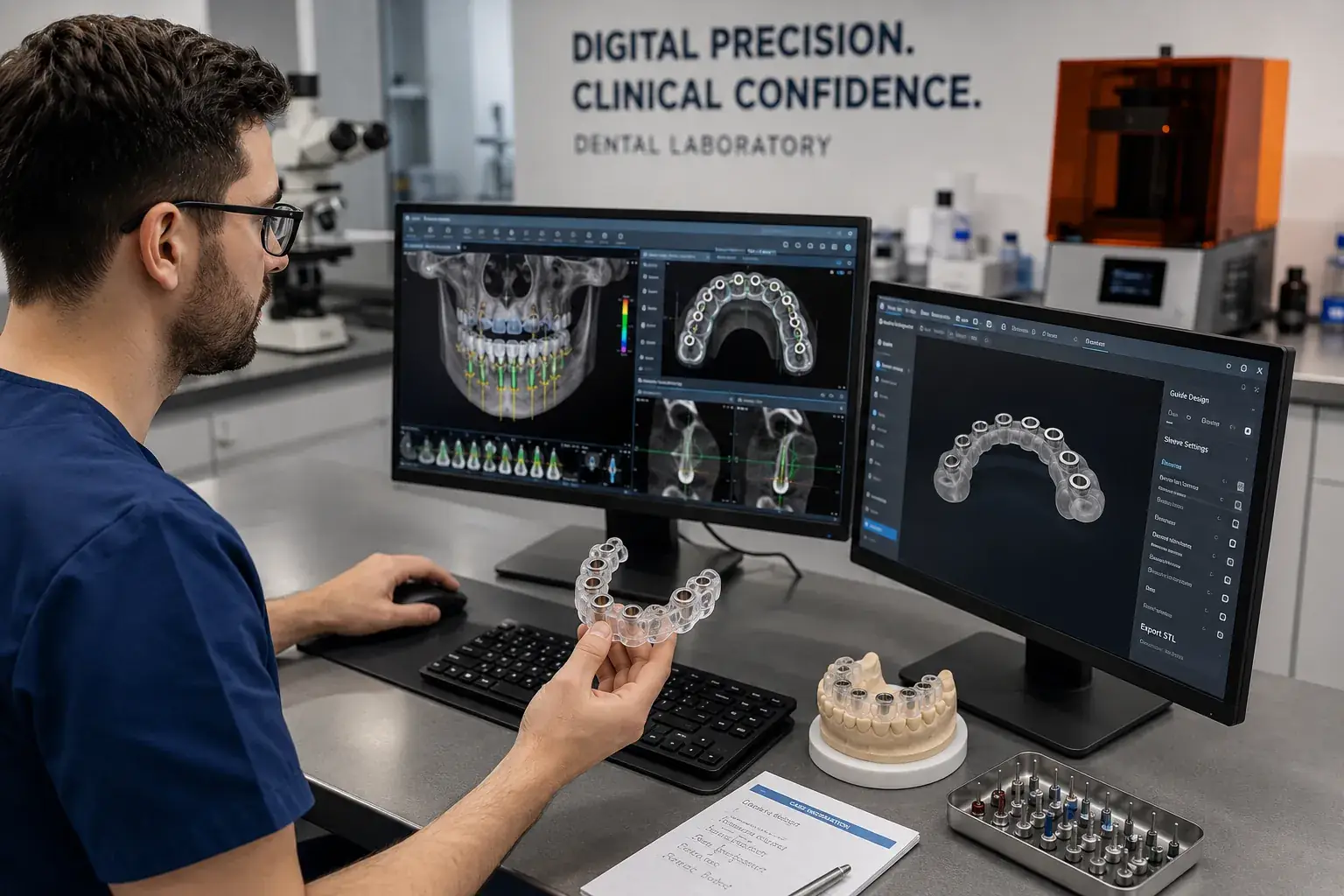
Behind every surgical guide is a software platform that transformed patient imaging into a guide design. The software a dental lab uses for implant planning and guide design directly influences what the guide is capable of, how accurately it can represent the patient's anatomy, how comprehensively it handles the implant systems you use, and how well it integrates prosthetic requirements into the surgical plan.
Understanding implant planning software helps you communicate more effectively with your guide laboratory, evaluate whether a lab's tools are appropriate for your cases, and make informed decisions if you ever want to do in-house planning. This article explains what these platforms do, which major platforms are in use, and what capabilities matter for guide quality.
What Implant Planning Software Does
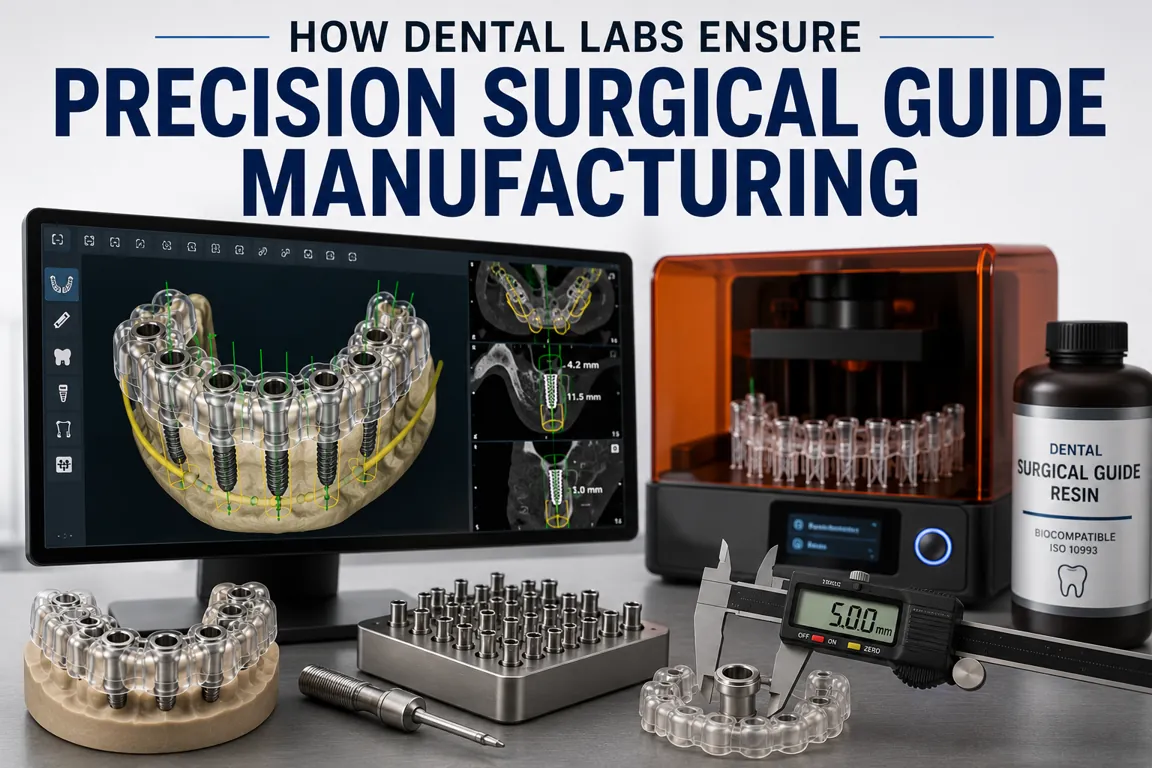
Implant planning software performs three core functions in the surgical guide production workflow: imaging integration, virtual implant planning, and guide design.
Imaging Integration
The software imports CBCT data in DICOM format and intraoral scan data in STL format, then registers (aligns) these two datasets into a single unified three-dimensional patient model. The quality of this registration, how accurately the bone anatomy and surface anatomy are aligned, directly affects every downstream decision in the guide design process.
Accurate CBCT-to-scan registration requires adequate shared surface features in both datasets. The software identifies corresponding anatomy, tooth cusps, occlusal surfaces, visible in both the CBCT and the intraoral scan, then aligns them using surface matching algorithms. Registration accuracy is reported as mean surface distance between matched points; values below 0.3mm indicate excellent alignment.
Virtual Implant Planning
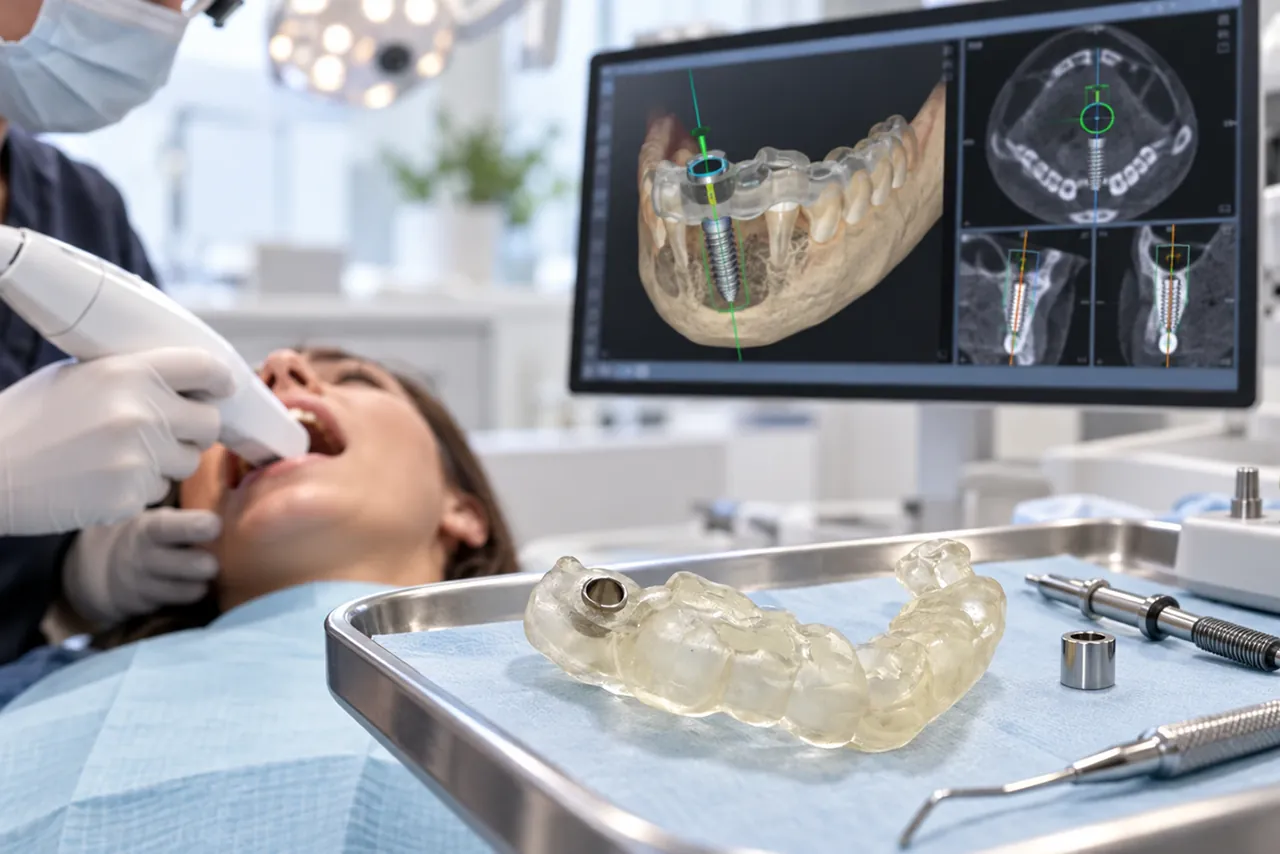
With the unified patient model available, the software provides tools for virtual implant placement. The user can place implants in the three-dimensional anatomy and see their relationship to bone boundaries, nerve canals, sinus floors, and adjacent roots in real time. Safety margin calculations show clearance distances to critical structures. The software often displays bone density information from the CBCT at the planned implant site.
Guide Design
Once implant positions are approved, the software generates guide geometry: a three-dimensional guide body that conforms to the patient's tooth and tissue anatomy, with drill sleeves positioned and angled to deliver each implant to the planned position. The finished guide design is exported as an STL file for 3D printing.
Major Implant Planning Platforms
Anatomage (Invivo Dental)
Anatomage is one of the most widely used platforms for dental implant planning and surgical guide design. Its strengths include comprehensive three-dimensional visualization with interactive bone density rendering, an extensive implant library covering virtually all major systems, an integrated guide design module with detailed sleeve design tools, and cloud-based case management for lab-dentist collaboration. Anatomage handles complex cases including full arch, bone reduction, and immediate loading scenarios effectively.
Simplant (Dentsply Sirona)
Simplant is one of the longest-established platforms in the market, with a strong track record in prosthetically-driven planning. Its prosthetic wax-up integration allows restorations to be designed in the planning environment before implant positions are finalized, supporting genuinely restoration-driven planning. The SurgiGuide fabrication system is integrated for guide production. Strong in single-tooth esthetic zone cases where prosthetic precision is paramount.
coDiagnostiX (Dental Wings / Straumann Group)
coDiagnostiX is particularly strong for Straumann system cases and integrates tightly with Straumann's digital ecosystem. It supports precise guide design with tight sleeve design tolerances and provides detailed bone quality assessment tools. Its lab communication module facilitates efficient case handoff between planning and fabrication. Also supports other major implant systems beyond Straumann.
Blue Sky Plan (Blue Sky Bio)
Blue Sky Plan is notable for being free to download and use for commercial cases. It offers the core capabilities required for guide design: CBCT import, intraoral scan integration, virtual implant planning, and guide design export. It is a pragmatic choice for labs and practices with cost considerations, and its active user community provides extensive support resources.
Planmeca ProMax 3D
Planmeca's integrated imaging and planning system is particularly strong for practices that use Planmeca CBCT equipment, offering seamless data flow from scanner to planning software. The guide design module is capable for standard cases, and the integration with Planmeca's digital ecosystem is a significant workflow advantage for practices in that ecosystem.
What Software Features Matter for Guide Quality
Registration Accuracy Reporting
The most important software feature for guide quality is quantitative reporting of CBCT-to-scan registration accuracy. Software that reports mean surface distance between matched points enables the lab to verify that registration is adequate before design proceeds. Software that provides only visual registration without quantitative reporting requires the lab to make a subjective judgment about adequacy, a less reliable approach.
Implant Library Completeness and Accuracy
The software's implant library must include the exact system you use, not just the manufacturer but the specific product line and drill protocol. Inaccurate implant libraries (wrong drill diameters, incorrect implant dimensions) produce guides with sleeves sized for a virtual implant that does not match the physical implant. Verify with your lab that their software's library covers your specific system.
Safety Margin Visualization
Effective software displays safety margins, clearance distances between planned implant positions and critical structures, as interactive measurements that update in real time during planning. Nerve canal distance, sinus floor clearance, and root proximity should all be quantitatively displayed, not just visually estimated. Software without this capability makes it possible to approve a guide design without verifying that critical anatomy is respected.
Guide Design Customization
Guide design tools should allow customization of inspection window placement, retention pin design, and guide body geometry in addition to sleeve positioning. Rigid template-based guide design that cannot accommodate case-specific requirements produces guides that are technically correct but clinically inconvenient. Our dental surgical guide design team uses platforms that provide this customization capability on every case.
Do You Need to Own Planning Software?
No. Dentists who work with guide laboratories like Guided Excellence do not need to purchase or learn implant planning software to access guided surgery. The entire planning and design process is handled by the lab, you submit imaging and case information, and the lab uses its software and expertise to produce the guide. This is how most practices access guided surgery. Submit your case and we handle all software work.
In-house planning software makes sense for practices with high implant volume who want direct control over the planning process, or for practices that want to show patients their digital plans during consultations. For most practices, outsourcing planning to a specialized lab is more efficient and produces better results than in-house planning by less experienced operators.